Listening to Literature: Text-to-Speech in Verbault
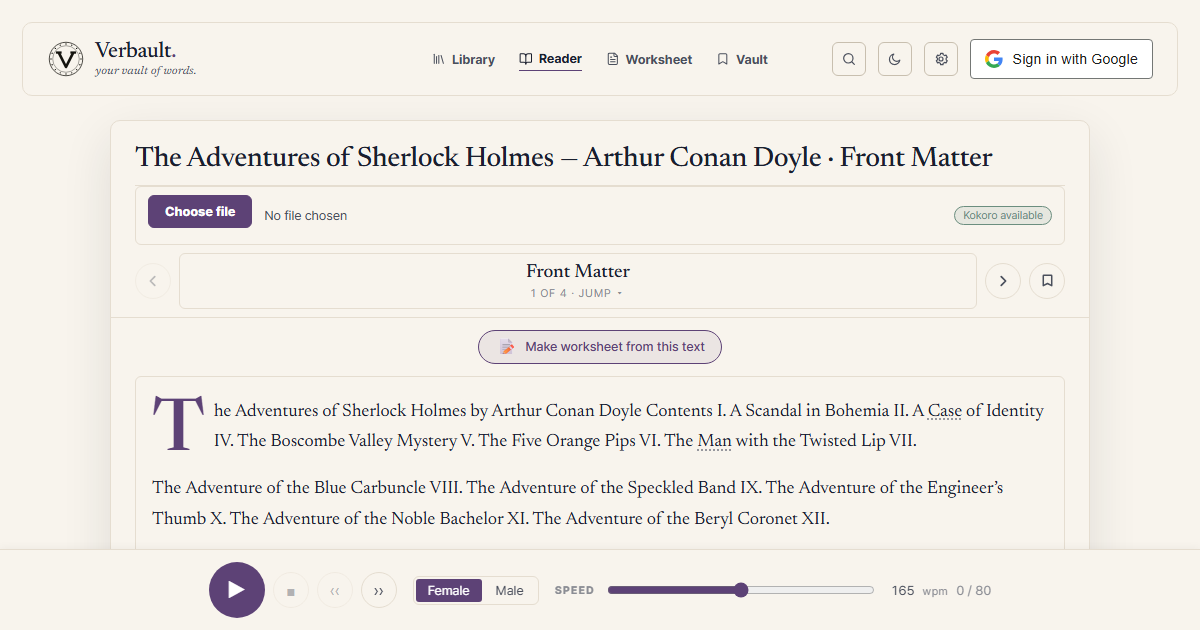
Hearing the Text
Listening while reading is a well-documented comprehension booster, especially for learners who have gaps between their reading vocabulary and their spoken vocabulary. Verbault's TTS button in the Reader closes that gap.
The Engine: Kokoro
Verbault uses Kokoro, a lightweight neural TTS library, as its primary synthesis engine. Two voices are available:
- af_heart — a warm, natural American-English female voice.
- am_michael — a clear, steady American-English male voice.
The voice selector appears in the Reader toolbar. Your choice is saved per-session.
If Kokoro is unavailable (e.g. on a device without the required ML runtime), Verbault falls back gracefully to eSpeak NG, a rule-based synthesiser that covers all characters and prosody reliably, if less naturally.
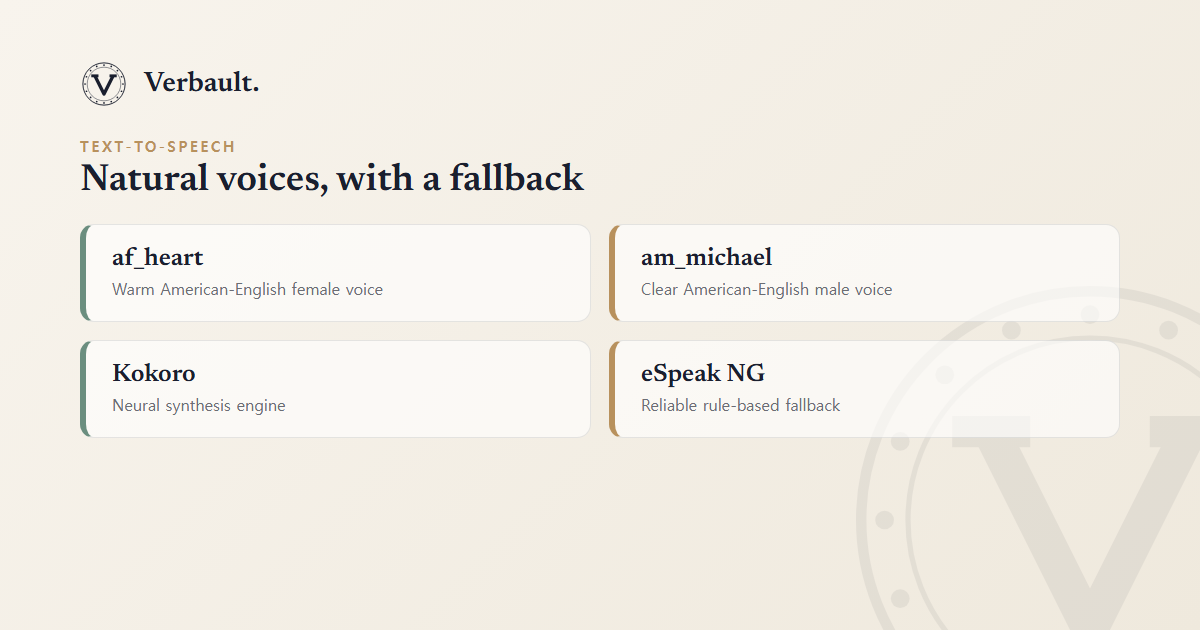
This two-tier design means audio is always available: you get natural neural speech wherever the runtime supports it, and a dependable fallback everywhere else — you never hit a silent button.
How It Works Technically
Audio is synthesised server-side and streamed to the browser as a blob URL (<audio src="blob:">).
This means the audio player works even without persistent storage — nothing is written to disk
on the server between requests.
Sentence-by-Sentence Playback
TTS operates sentence by sentence. The current sentence is highlighted in the Reader as it plays, giving you a read-along experience that mirrors the sentence segmentation the backend produces.
Tips
- Use TTS with the translation chip turned on to hear the English original immediately after reading the translated version — a powerful comprehension check.
- Listen to an unfamiliar word such as /word/ephemeral in a full sentence before adding it to your Vault, so you learn the pronunciation at the same time as the meaning.
- For historical newspapers (see the newspaper archive), TTS is particularly useful for early-20th-century prose where punctuation patterns may be unfamiliar.
Comments (0)
Log in to comment.