Generating Printable Worksheets with Verbault
Six Worksheet Types
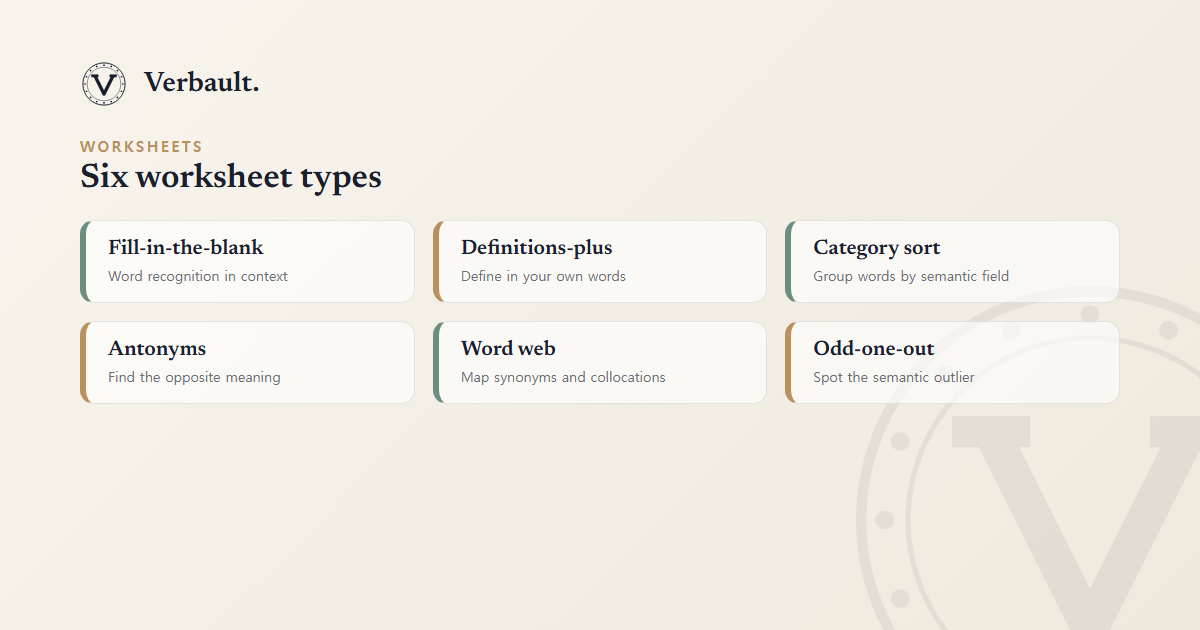
A worksheet is only as useful as the skill it exercises, so Verbault offers six formats — each one drills a different facet of word knowledge. You can generate any combination of them from the same input text:
| Type | What It Tests |
|---|---|
| Fill-in-the-blank | Word recognition in context |
| Definitions-plus | Writing the definition in your own words |
| Category sort | Grouping words by semantic field |
| Antonyms | Finding the opposite meaning |
| Word web | Mapping synonyms, antonyms, and collocations |
| Odd-one-out | Identifying the semantic outlier in a set |
Recognition (fill-in-the-blank, odd-one-out) and production (definitions-plus, word web) test different things; mixing both in one packet gives a fuller picture of what a learner actually knows.
Quick Start
- Open a text in the Reader — try Pride and Prejudice.
- Click the Worksheet tab in the sidebar.
- Choose your difficulty range (easy / medium / hard) and how many questions you want.
- Tick the worksheet types you need and press Generate PDF.
- A combined PDF downloads to your device, complete with a matching answer sheet.
The whole process takes under a minute, and because the questions are drawn from the passage you just read, the vocabulary is already in context rather than pulled from a generic list.
Tips for Educators
- Scaffolding: for lower-level classes, limit to fill-in-the-blank + definitions-plus. For advanced groups, add word web and odd-one-out.
- From Vault: logged-in users can use a saved vocabulary list as the source instead of a live reading passage — ideal for revision built on words a class has already met. See the Vocabulary Vault guide.
- Classroom sets: generate worksheets for different difficulty levels from the same passage to accommodate mixed-ability groups, so everyone works on the same text at their own level.
Technical Notes
PDFs are rendered server-side with ReportLab. Korean worksheet labels use NanumGothic (SIL OFL); English content uses Times-Roman. All PDFs are A4 with matching answer keys on the last page, so they print cleanly without any further formatting.
Need texts to feed the builder? Open any classic from the library, read it in the Reader, and send it straight to worksheets — or visit Project Gutenberg to find additional public-domain texts to paste in.
Comments (0)
Log in to comment.