Recent Features Roundup: What's New in Verbault
Verbault ships improvements continuously. Here is a quick tour of four of the most useful features from recent releases — what they do and how to try each one today.
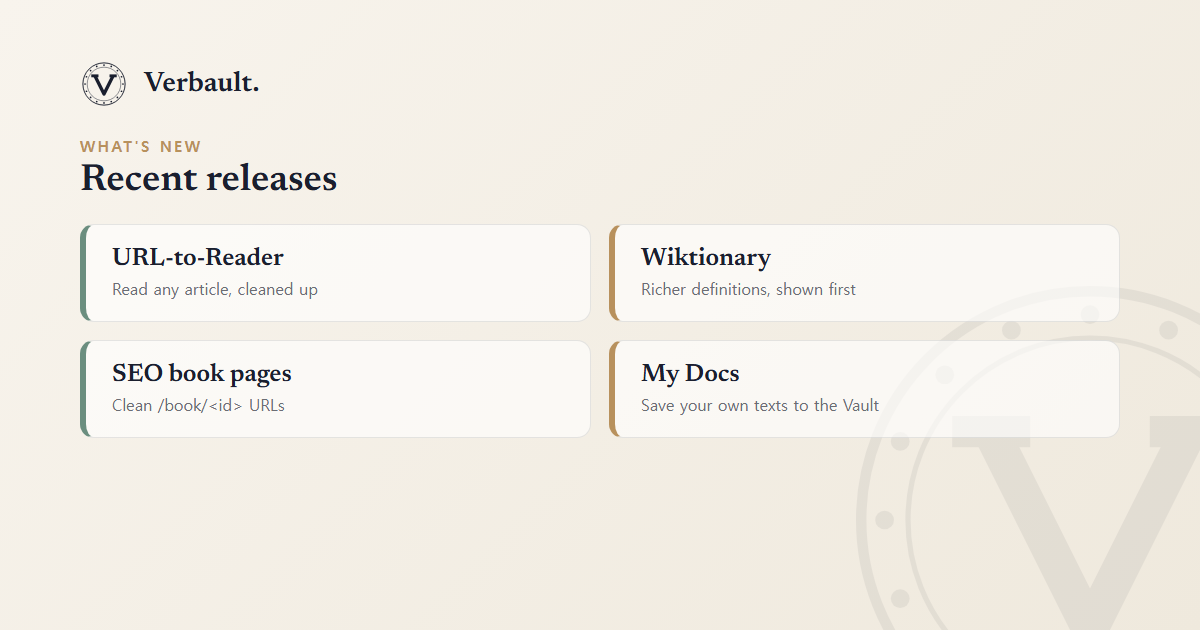
URL-to-Reader
Paste any article URL into the Verbault search bar and it opens directly in the Reader, with advertising and navigation stripped out, leaving clean readable text. This works for most news sites, blog posts, and open-access academic pages.
Combined with the newspaper archive, you can now read historical content side-by-side with current reporting — a rich resource for studying how English has evolved.
Wiktionary Integration
Word definitions now pull from Wiktionary before WordNet where Wiktionary has an entry. This improves coverage for:
- Technical and scientific vocabulary.
- Proper nouns (e.g. place names that appear in literature).
- Words that WordNet lists only under archaic senses.
See the dictionary and WordNet guide for the full picture.
SEO Book Pages
Every book in the library now has a clean URL at /book/<id>. Try:
- /book/1342 — Pride and Prejudice
- /book/84 — Frankenstein
These pages include structured metadata (JSON-LD) so search engines can surface them for readers looking for a specific title.
My Docs — Save Your Own Texts
Logged-in users can now save any uploaded or pasted document to My Docs in the Vault. Your saved documents persist across sessions and can be reopened in the Reader without re-uploading the file.
What's Coming
- Interactive quizzes built from bookmarked sentences.
- Spaced-repetition review sessions for saved vocabulary.
- Shared reading lists — curated by teachers for their classes.
Follow this blog or check the announcements category for updates as they ship.
External resource: Project Gutenberg continues to add new digitised texts that will appear in the Verbault library automatically.
Comments (0)
Log in to comment.