Collect Vocabulary as You Read: The Reader's Vocabulary Tab
Reading Is Where You Meet Words — This Is Where You Keep Them
Every page of real literature throws words at you: a few you know cold, a few you half-remember, and a handful you have never seen. The hard part was never meeting those words — it was capturing them before you turn the page and forget. The Reader's Vocabulary tab is built for exactly that. It takes the text in front of you and lays every word out as a checklist, sorted by difficulty, so you can collect what is worth studying without breaking your reading flow.
Opening the Tab
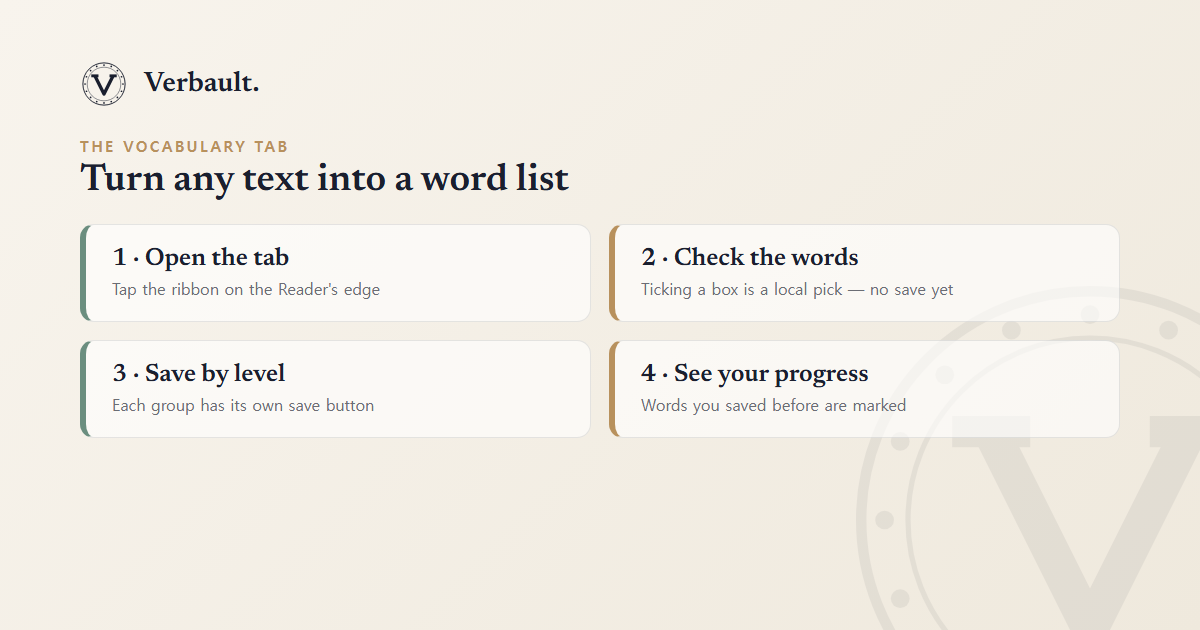
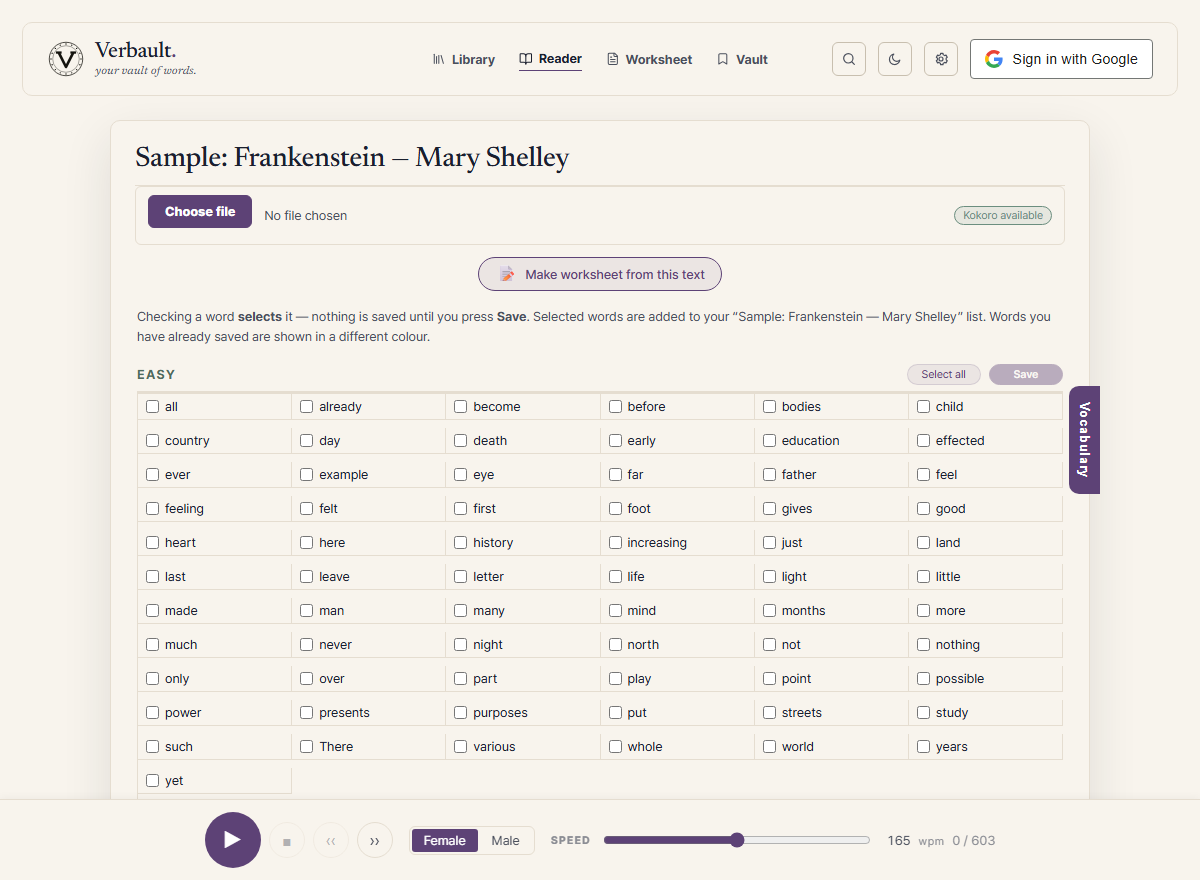
Open any text in the Reader — paste a passage, upload a file, fetch a URL, or pick a book from the library. Once the text is analysed, a slim ribbon appears on the right edge of the Reader. Tap it and the reading view slides over to the Vocabulary panel; tap it again to go back to reading. The ribbon only shows up when there is actually something to collect, and it stays pinned to the edge of the screen — so the tab works the same way on a phone as it does on a laptop.
Four Groups, Sorted by Difficulty
The panel splits every word in the text into four groups, so you can spend your attention on the words that are actually worth it:
- Easy — the most common 500 words in English. Usually safe to skip.
- Medium — ranks 501–2,000 on the same frequency scale: words you probably know but might want to lock in.
- Hard — anything rarer than rank 2,000. This is where most of the words worth saving live.
- Other — content words our dictionary cannot formally define: proper nouns, archaic spellings, and rare technical terms. They are easy to miss with an ordinary dictionary, so the tab gives them their own group instead of quietly dropping them.
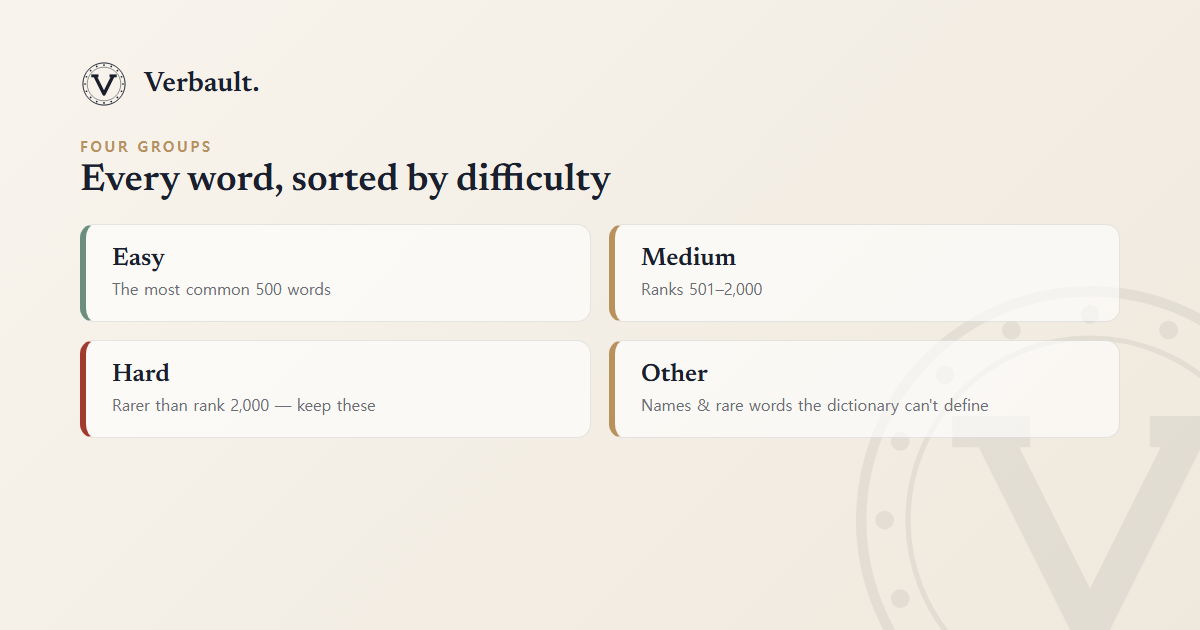
The Easy / Medium / Hard split is the same three-level reading scale Verbault uses everywhere; the dictionary and reading levels guide explains how each word's level is calculated.
Check, Then Save
Collecting words is a deliberate two-step action, so nothing is ever saved by accident:
- Check the words you want. Ticking a box is a local selection only — nothing is sent anywhere yet. Each group also has a toggle that selects or clears the whole level at once.
- Press the group's save button. Every group has its own save button, labelled with how many words are currently selected. Pressing it adds just that group's checked words to a list in your Vocabulary Vault, named after the book you are reading.
Because each level has its own save button, you can keep all the Hard words from a chapter and leave the Easy ones untouched — without scrolling through one giant undifferentiated list.
See What You Have Already Saved
Open the panel on a book you have studied before, and the words you saved last time are tinted and switched off — you cannot re-select them, and their colour tells you at a glance how much of the text you have already mined. Saving requires a free account; if you are signed out, the tab still shows every group and simply prompts you to sign in when you try to save.
This turns re-reading into a kind of progress bar: each pass through a difficult text leaves more of it marked as already learned.
From the Tab to a Worksheet
Everything you collect lands in your Vocabulary Vault as a named list. From there it is one click to a printable worksheet — fill-in-the-blank, definitions, word webs, and more, each with a matching answer key. The Vocabulary tab is the fast on-ramp; the Vault is where those words turn into study material.
Try It Now
Open Frankenstein or Pride and Prejudice in the Reader, let it analyse, then tap the ribbon on the right. Skim the Hard and Other groups first — that is where the words worth keeping usually hide. Look up a word such as /word/sublime or /word/perseverance to see the kind of definition and word network that comes with everything you save.
For the bigger picture, see the Reader guide for everything the Reader can do, and the Vocabulary Vault guide for what happens to words once you have collected them.
Comments (0)
Log in to comment.