Reading You Can Prove: Chapter Quizzes and Earned Progress
A "Read" Badge You Actually Earn
Most reading apps track progress with a button. You tap Mark as read, and the app takes your word for it — whether you studied every line or skimmed the first page and gave up. That records what you intended, not what you understood.
Verbault now works differently. A book becomes Read only when you have shown, chapter by chapter, that you grasped the vocabulary in it. Progress is something you earn, not something you declare.
How Earned Progress Works
The whole loop lives inside the Reader, and it is only four steps:
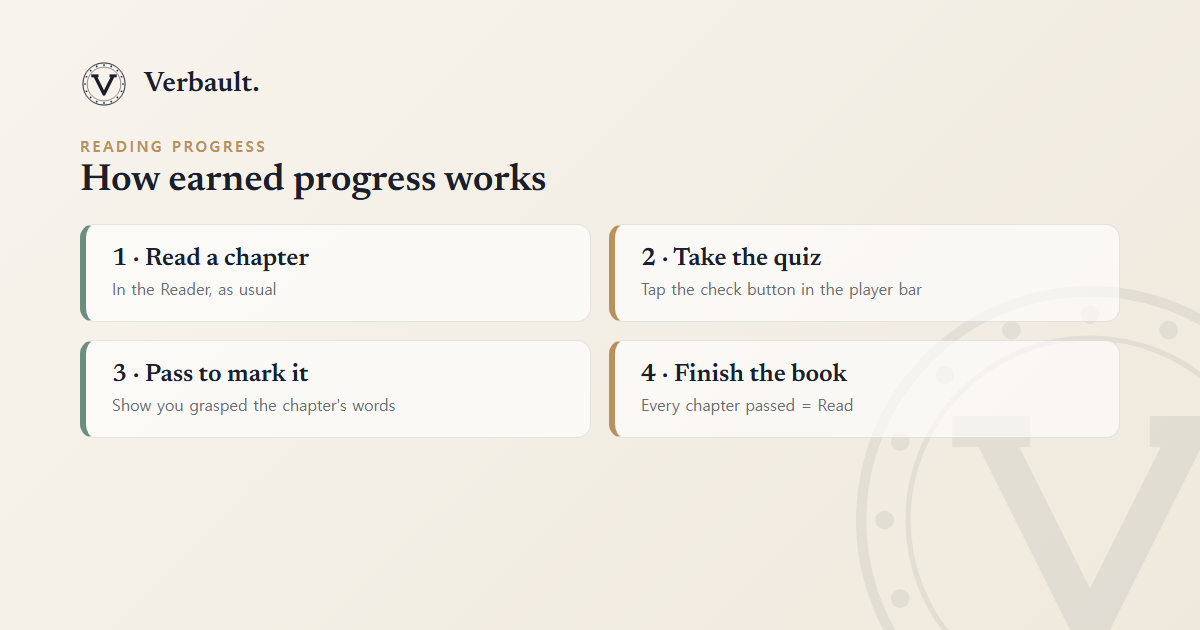
- Read a chapter in the Reader, exactly as you normally would.
- Tap the check (✓) button in the player bar at the bottom. It appears whenever you are reading a book from the library and shows how far through the book you are.
- Pass a short quiz built from that chapter's vocabulary.
- Finish every chapter and Verbault marks the whole book Read automatically — you never press a "done" button.
Crucially, opening a book no longer counts as reading it. Verbault still remembers where you left off so you can pick up across devices, but simply turning pages does not inflate your stats. Only passing a chapter quiz moves the needle.
The Quiz: Drawn From the Chapter You Just Read
The quiz is not a generic vocabulary test bolted on from outside. Every question comes from the chapter in front of you.
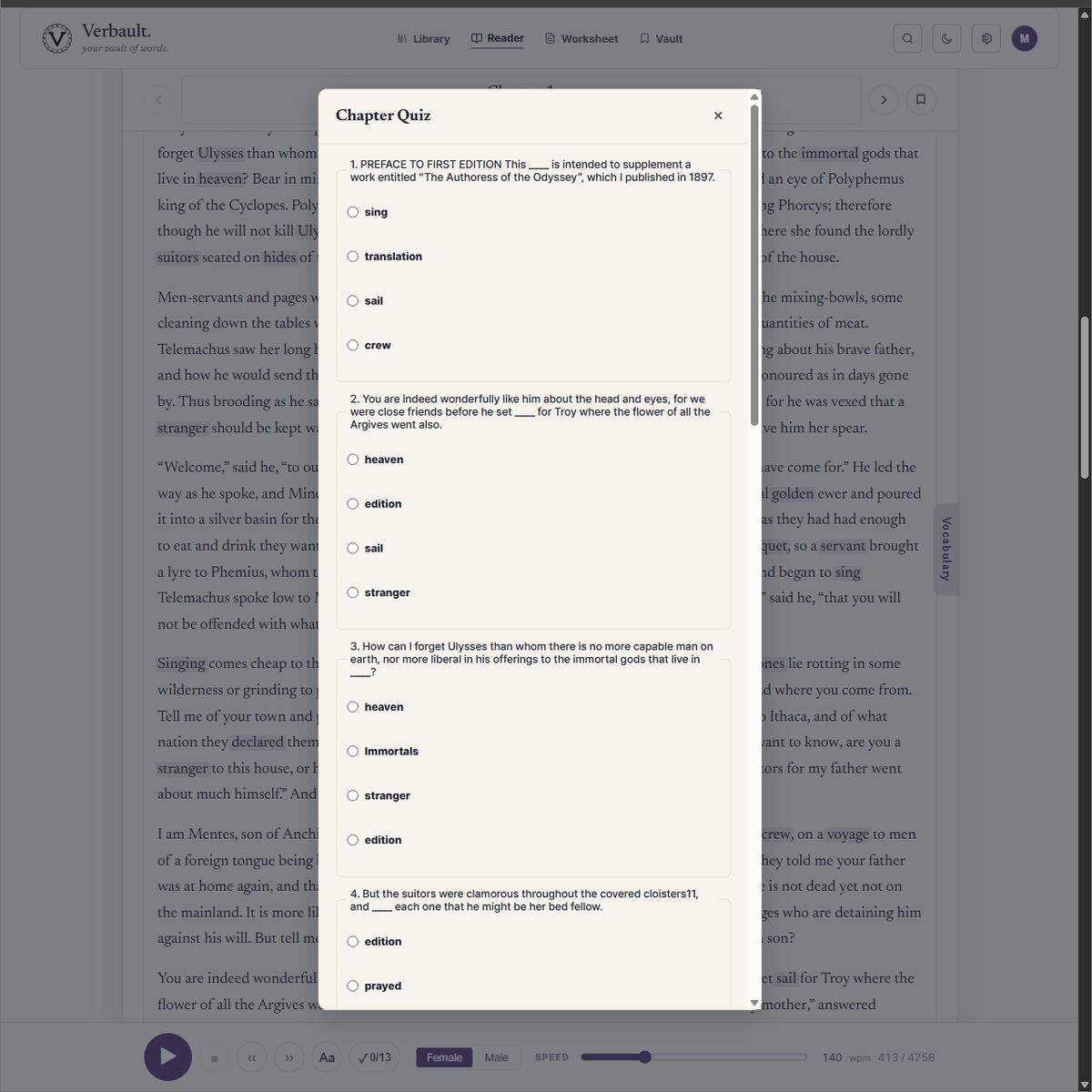
- The chapter's own words. Questions are generated from the medium- and hard-level vocabulary you just met — the words actually worth checking — picked with the same three-level reading scale Verbault uses everywhere.
- Four-choice cloze. Each question is a real sentence from the chapter with one word blanked out; you choose the word that fits. Because the sentence is one you just read, you are testing comprehension in context, not rote recall.
- 70% to pass, ten questions at most. A chapter quiz tops out at ten questions, and you pass by answering roughly seven in ten correctly — enough to show you followed the chapter, without demanding perfection.
- Retry as often as you like. Miss the mark and you will see "Not passed yet — try again," with a fresh set of questions resampled for each attempt. There is no penalty and no lockout.
- Very short sections pass automatically. If a chapter is too short to build a fair quiz — a title page, a one-paragraph preface, a scrap of front matter — it passes on its own so it never blocks your progress.
You will need a free account to take a quiz, since your progress is saved to your profile. If you are signed out, the Reader simply prompts you to sign in.
Two Clear Statuses: Reading and Read
Earned progress gives every book one of two honest states:
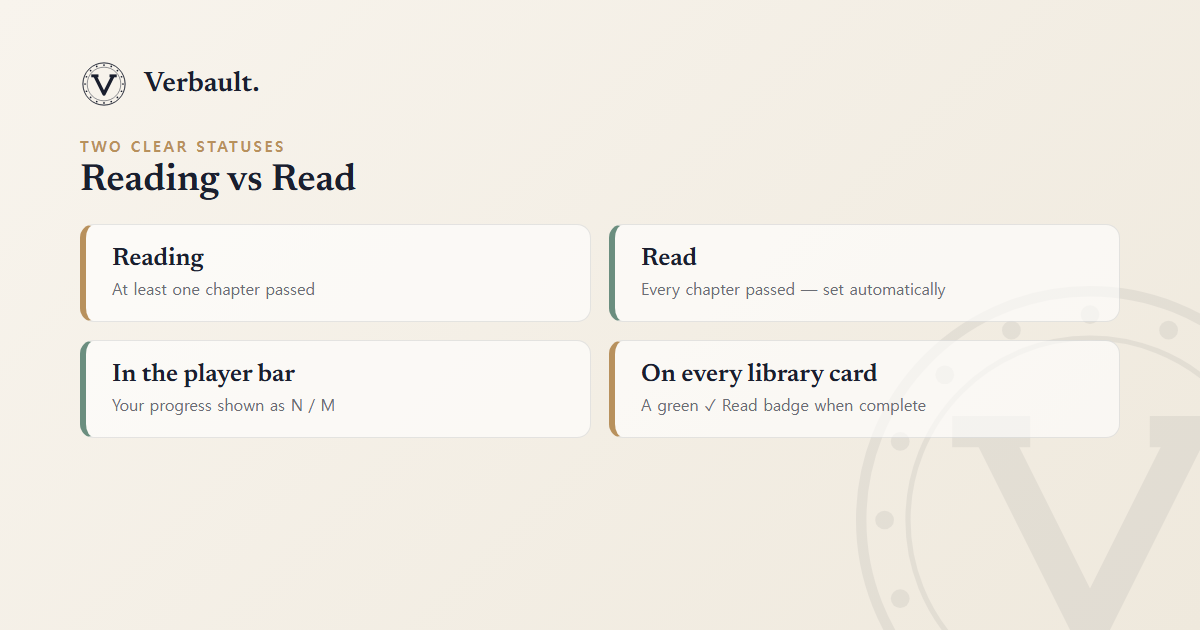
- Reading — you have passed at least one chapter but not yet all of them. The book is genuinely in progress.
- Read — you have passed every chapter. Verbault sets this the moment the last chapter is done and celebrates it with a "Book completed!" message.
You can see the same information in two places:
- In the Reader's player bar, the check button shows your progress as
N / M— for example3 / 12means three of twelve chapters passed — and switches to a completed state when you finish. - On every library card, a book in progress shows how many chapters you have passed (for
example,
5 chapters), and a finished book wears a green ✓ Read badge.
Where the "Read Count" Comes From
Because Read is now earned rather than self-declared, your reading totals finally mean something. Your profile keeps a running tally of books in progress and books completed, alongside the words and sentences you have saved. Every number there is backed by a quiz you actually passed — so the count is a record of comprehension, not of buttons tapped. The same totals appear on your public profile, if you choose to share one.
Why We Built It This Way
- Comprehension, not clicks. A progress bar is only motivating if it reflects something real. Tying Read to a quiz makes the milestone meaningful: finishing a book in Verbault means you understood it.
- Vocabulary that sticks. The quiz recycles the exact medium- and hard-level words from each chapter, so completing a book quietly reviews its hardest vocabulary a second time. It pairs naturally with the Vocabulary tab and your Vocabulary Vault, where those same words become study lists and printable worksheets.
- Honest numbers. Whether you are tracking your own reading or a whole class's, a count you have to earn is worth far more than one anyone can inflate with a single tap.
Try It Now
Open Frankenstein or Pride and Prejudice in the Reader, read the first
chapter, then tap the ✓ in the player bar and take the quiz. Pass it and watch your progress
tick from 0 / N to 1 / N — the first chapter of a book you can prove you have read.
For everything else the Reader can do, see the Reader guide; to understand the easy / medium / hard levels the quiz draws on, see reading levels and the dictionary.
Comments (0)
Log in to comment.